Alle Deadlock-Skins
Alle Community-Skins für Deadlock in einer Liste. Filtere nach Held, sortiere nach Likes, Aufrufen oder Datum und wähle, ob als 18+ markierte Skins angezeigt werden.
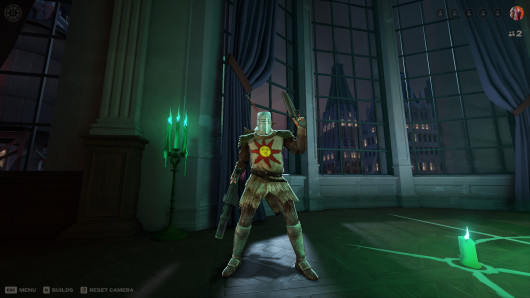 Venator|Dark Souls 1|Solaire Of Astora
 2 2
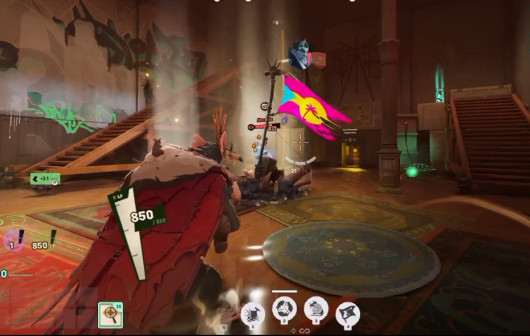 Rule Floptropica! 2 2
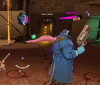
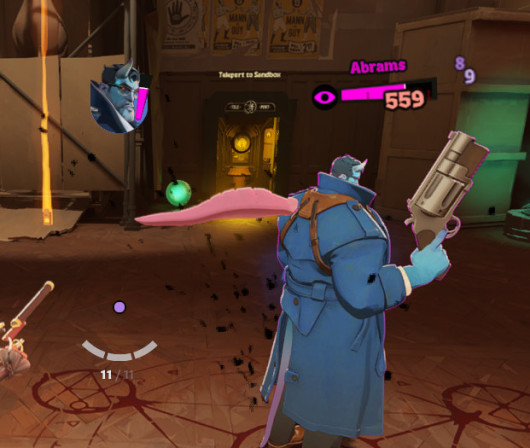 Pink slug
 2 2
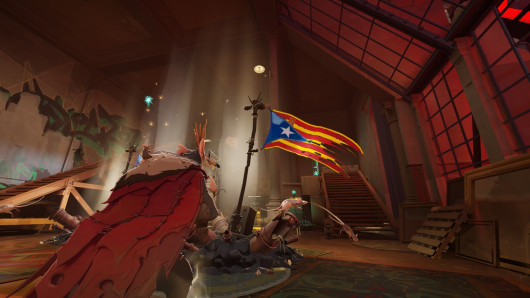 Ratalunya Triomfant 2 2
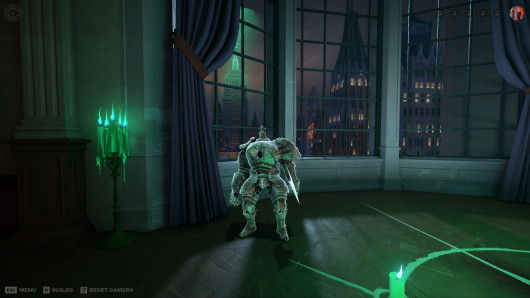 Iron Golem|Dark Souls 1|Bebop 2 2
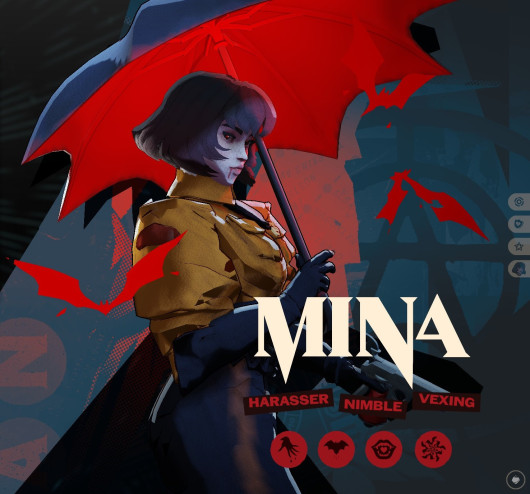 OSIC officer Mina 2 2
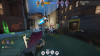
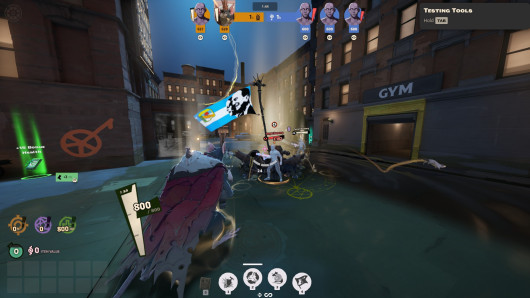 Peronist Ratking
 2 2
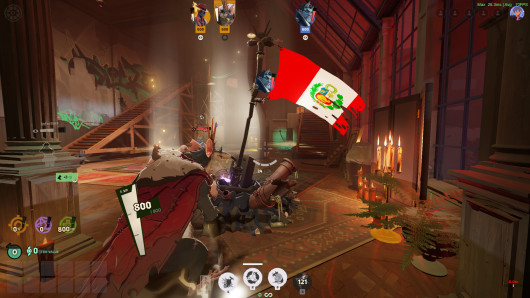 Peru Rat King
 2 2
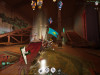
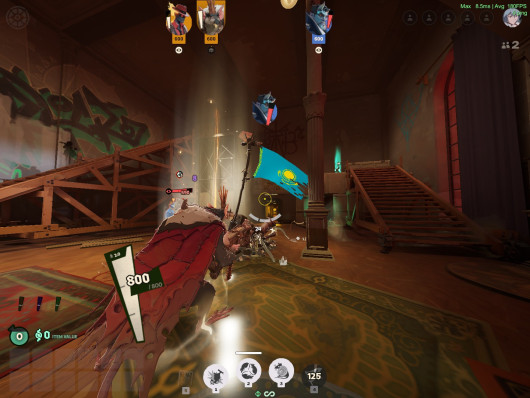 Kazakhstan flag ratking
 2 2
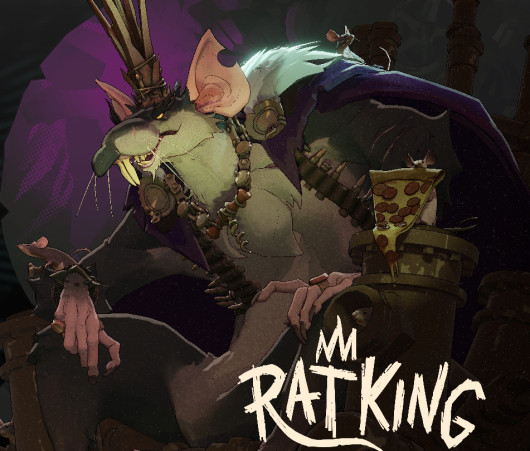 Purple Rat King
 2 3
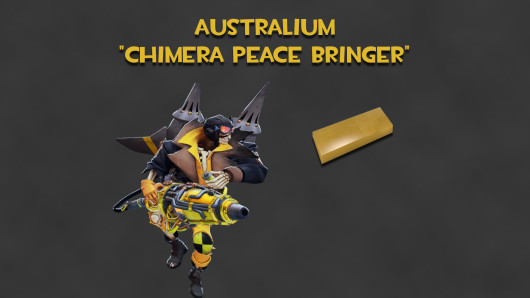 Australium "Chimera Peace Bringer" (Gold Danny)
 2 3
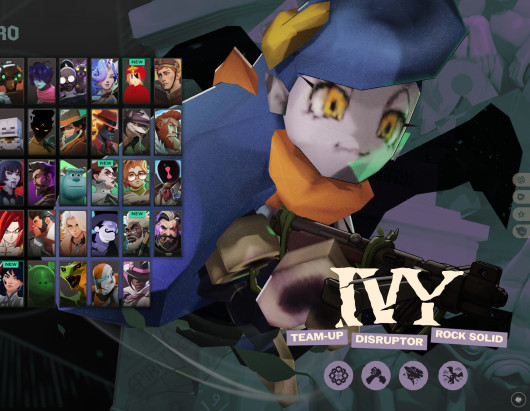 Casanono Over Ivy 2 2
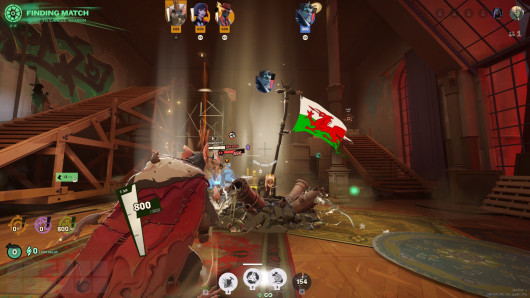 Welsh Flag for Rat King 2 2
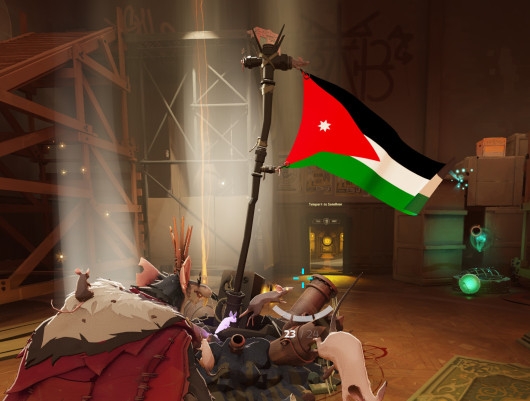 Jordanian ratking flag 2 2
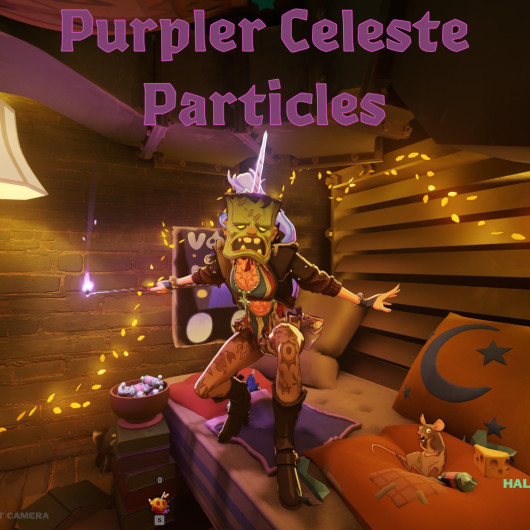 Purpler Celeste Particles
 2 5
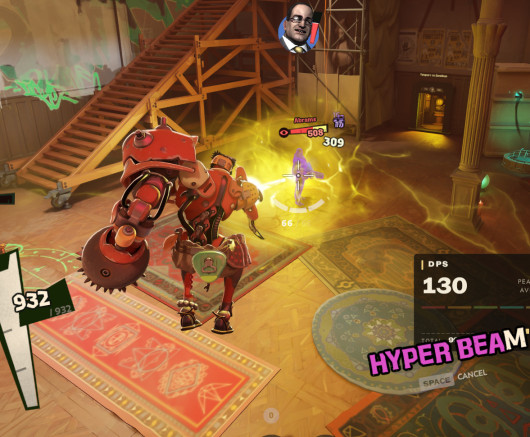 Bebop Piss Beam 2 2
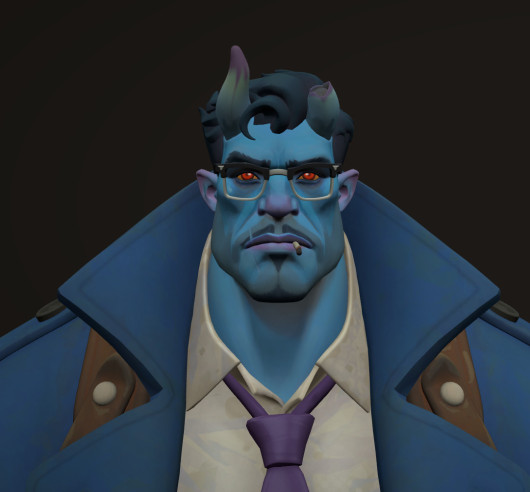 Abrams Yellow/White Eyes
 2 5
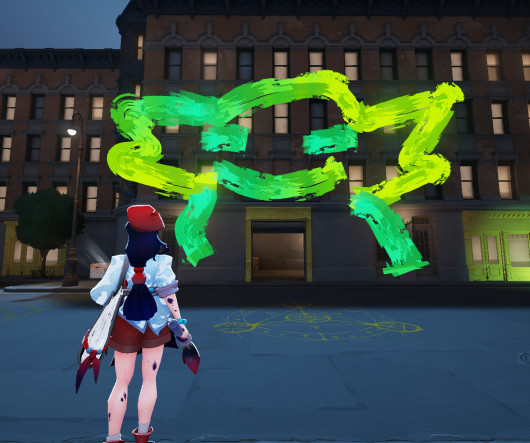 Green Violet Paint
 2 2
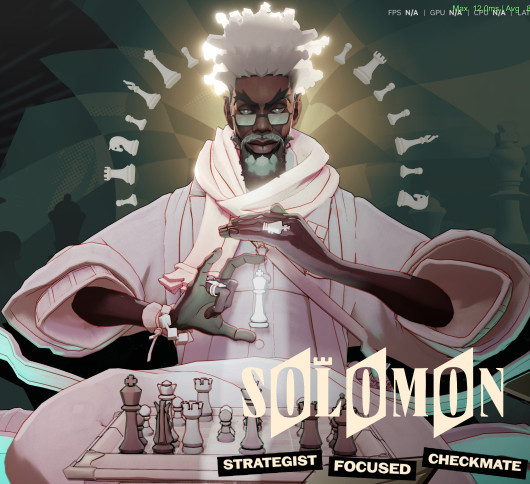 Light Pink Solomon Recolor 2 4
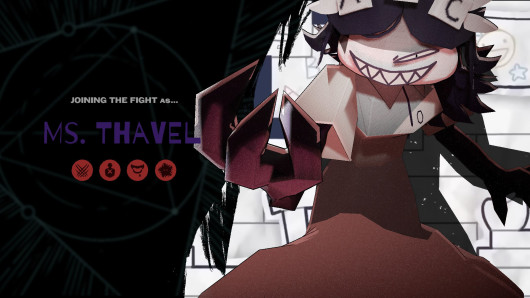 Ms. Thavel as Drifter
 2 3
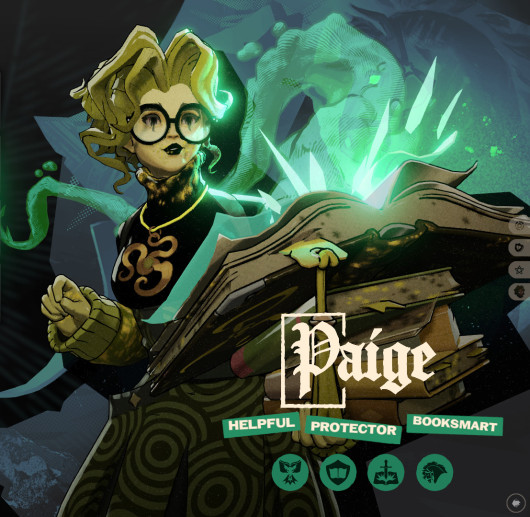 The Paige in Yellow
 2 4
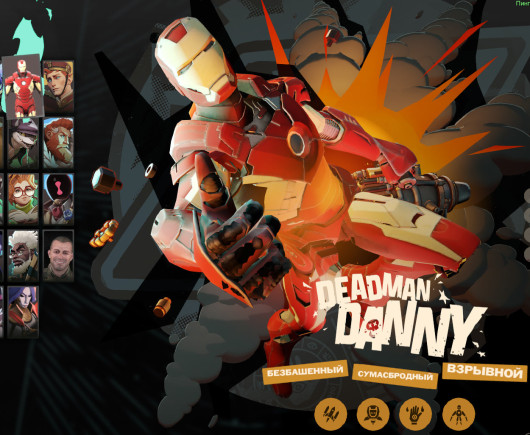 Iron Man over Deadman Danny — Model, Icons & Engli 2 2
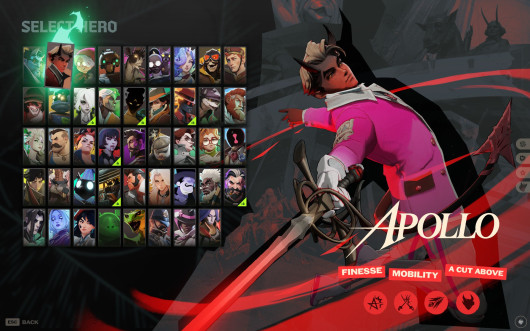 Apollo - Pink and White
 2 5
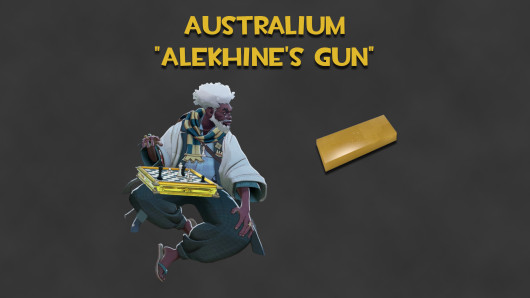 Australium "Alekhine's Gun" (Gold Solomon Board) 2 3
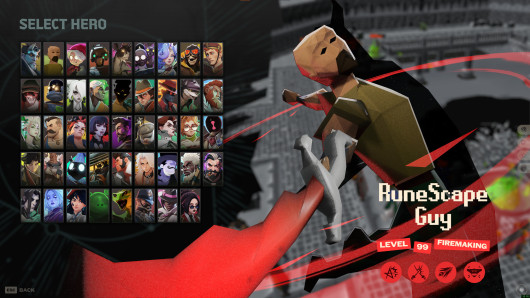 RuneScape Guy - Apollo Skin 2 4
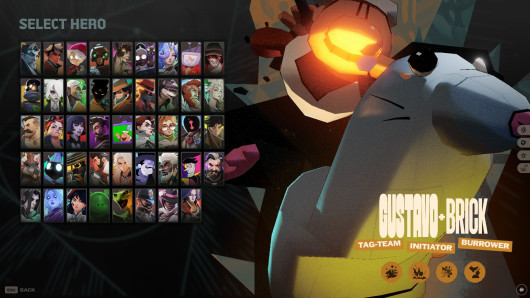 Gustavo & Brick 2 4
 Vivid Talon
 1 4
 Vyper Facelift/gun edit 1 2
 B&W Vyper
 1 3
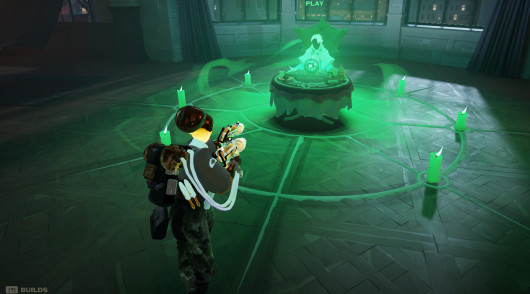 Haze BIG Backpack MOD (old model) 1 5
 White Ivy
 1 2
 Sci Twi Padge 1 2
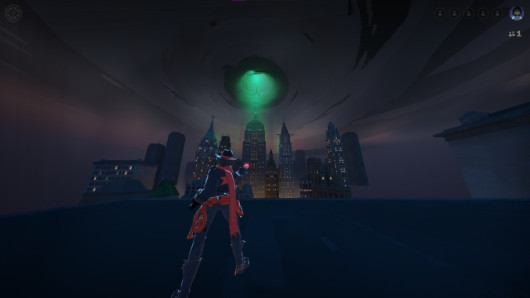 Illarya's Holliday skin 1 6
 Fat iRemiix rem pillow
 1 2
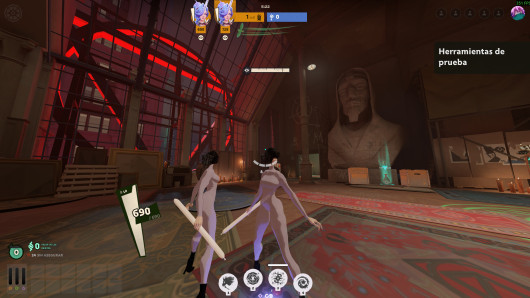 Aerodynamic Celest (Updated) 1 4
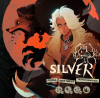
 Butter Silver
 1 4

 Rem Lamont 1 2
 Alf - Silver Palace 1 2
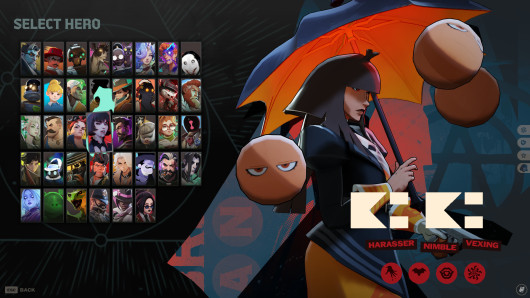 Kiki Mina 1 2
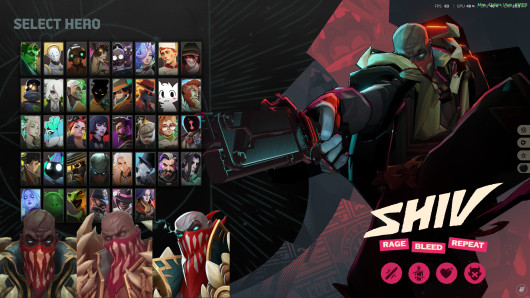 Pyke Shiv 2026
 1 2
 Blue Apollo 1 3
 Sormeii Apollo 1 2
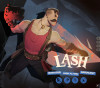
 Lash Recolour (WIP) 1 3
 Yellow jacket shiv
 1 5
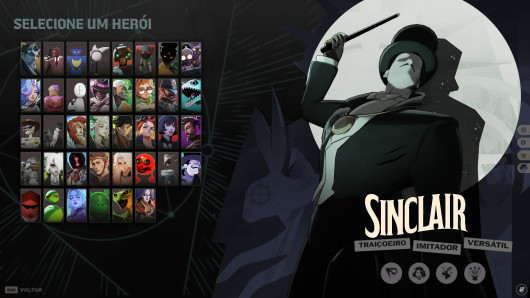 old sinclair
 1 2
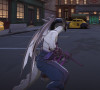
 Pebble Ivy
 1 2
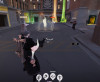
 Venator black and Bare Bones Venator by soyer 1 3
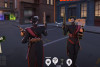
 Mirage Black by soyer 1 2
So installierst du
Jeder Skin ist eine .vpk-Datei, die du auf deinem eigenen PC installierst. Sie ändert nur, was du siehst, und beeinflusst nie das Gameplay oder das, was andere Spieler sehen. Öffne einen Skin auf GameBanana, lade ihn herunter und leg die Datei in den addons-Ordner des Spiels oder lass es einen Mod-Manager mit einem Klick erledigen. Installiere niemals Gameplay-Mods, dafür wirst du gebannt.
Mod-Manager Deadlock Mod ManagerGameBanana App
Inhalte für Erwachsene
Einige Community-Skins sind als Inhalte ab 18 markiert. Bestätige, dass du 18 oder älter bist, um sie anzuzeigen.