In this material
What does BIOS do?
Intel describes the BIOS as firmware that loads before the operating system. Its first job is the power-on self-test, or POST: it checks the processor, the memory and the other hardware. It then reads the boot order, finds a drive with a bootloader and hands control to Windows or another system.
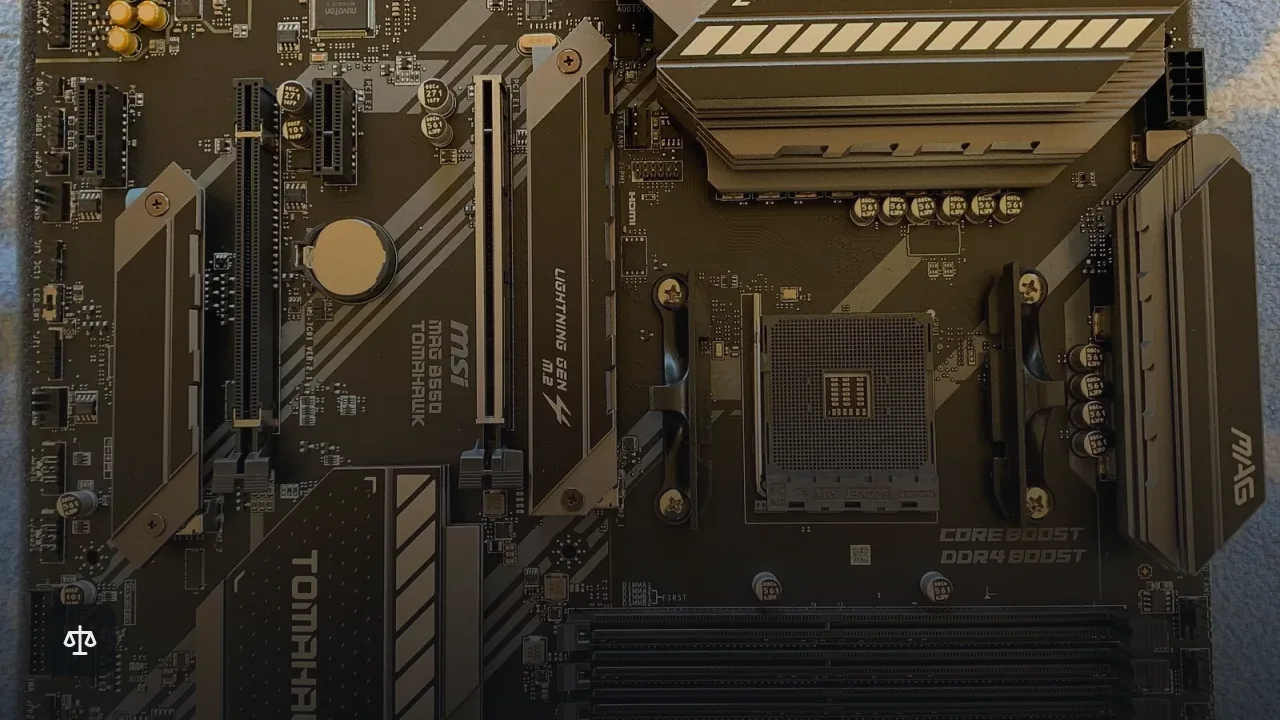
The BIOS also keeps the settings of the board. HP lists among them the startup sequence, the connected devices and the amount of memory. Removing the CMOS battery of a desktop board for a few minutes returns them to factory defaults, according to MSI.
- Stands for
- Basic Input/Output System
- Term coined
- 1975, for CP/M
- In the IBM PC
- since 1981
- UEFI 2.0 specification
- January 2006
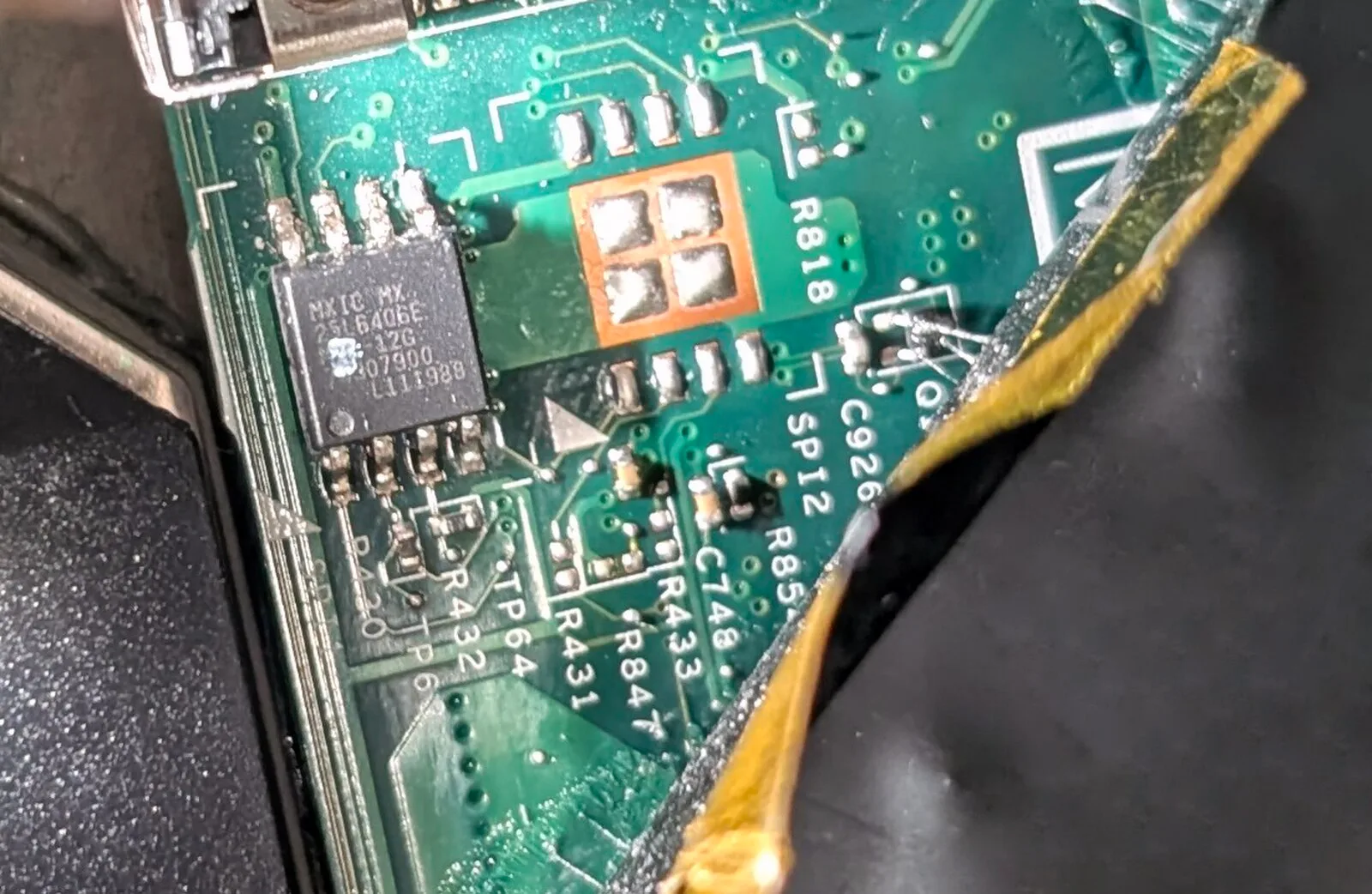
The BIOS of the original IBM PC fit into 8 KB of ROM. MSI’s AM5 boards of the MAX and EVO lines carry a 64 MB chip, which leaves room for future processor support.
BIOS vs UEFI
UEFI (Unified Extensible Firmware Interface) replaced the BIOS. The UEFI Forum, formed in 2005 by Intel, AMD, Microsoft, PC makers and firmware vendors, published version 2.0 of the specification in January 2006. Board makers kept the old name, so the setup screen of a UEFI board is still called BIOS or UEFI BIOS.
| Legacy BIOS | UEFI | |
|---|---|---|
| System disk | MBR: up to 2 TB, four primary partitions | GPT: over 2 TB, up to 128 partitions in Windows |
| Secure Boot | no | yes |
| Windows 11 | not supported | required, with Secure Boot support |
| First used | IBM PC, 1981 | specification 2.0, 2006 |
Windows can only boot from a GPT disk on a UEFI system, and Microsoft recommends installing in UEFI mode because it has more security features. Compatibility mode (CSM) emulates the old BIOS, and in it Secure Boot does not work. ASRock lists Battlefield 6 and Call of Duty: Black Ops 7 among the games whose anti-cheat requires Secure Boot and TPM 2.0. How to check Secure Boot and turn it on: what Secure Boot is.
How to enter BIOS
Turn the PC on and tap the key about once a second from the first logo until the setup opens. Dell advises tapping rather than holding the key: holding it can cause a keyboard error.
| Maker | Key at startup | Also useful |
|---|---|---|
| ASUS | Delete or F2; on ASUS laptops hold F2 and press the power button | F8 opens the boot menu |
| MSI | Delete | F11 opens the boot menu |
| Gigabyte | Delete | End opens Q-Flash |
| ASRock | F2 or Delete | F11 opens the boot menu |
| Acer | F2 on laptops | Delete on desktops |
| HP | Esc, then F10 | Esc opens the Startup Menu |
| Dell | F2 at the Dell logo | F12 opens the one-time boot menu |
| Lenovo | F1 on ThinkPad, F2 on IdeaPad | IdeaPad also has the Novo button menu |
If Windows starts before the key works, Fast Boot is the usual reason: Gigabyte notes that it skips the Delete key during POST. Then go in through Windows.
From Windows
- Open Settings, then System, then RecoveryOn Windows 10 the same page is under Update & Security.
- Next to Advanced startup, select Restart nowSave your work first: the PC restarts at once.
- Select Troubleshoot, then Advanced options
- Select UEFI Firmware Settings, then RestartThe PC restarts straight into the setup. Dell notes that the item appears only in some boot configurations; if it is missing, use the key at startup.
From the sign-in screen or the Start menu you can also hold Shift while selecting Restart. The command below does the same in a Command Prompt run as administrator, as Dell shows; /t 0 restarts at once instead of after 30 seconds:
shutdown /r /fw /t 0
What you can change in BIOS
- The boot order, to start from a USB drive and install Windows.
- The memory profile: XMP on Intel, EXPO on AMD. It sets the speed and timings printed on the memory kit.
- Secure Boot and TPM, which Windows 11 and some anti-cheat systems require.
- Fan curves, the date and time, and the onboard devices.
- CPU overclocking, on boards whose chipset allows it (see the motherboard explainer).
Setups also have an item that loads the defaults: F5 in ASUS’s EZ Mode, F9 on HP and Lenovo laptops. F10 saves and exits on ASUS, ASRock, HP and Lenovo.
What is a BIOS update?
A BIOS update replaces the firmware in the chip with a newer version from the maker of the board or the PC. ASUS names three reasons to install one: support for a processor released after the board, better stability and memory compatibility (on AMD, new AGESA versions), and fixes for security vulnerabilities. The files on your drives stay where they are, but the BIOS settings return to defaults.
Should you update your BIOS?
Intel recommends an update when the maker of your PC or board advises it, or when you have a problem that the update is known to fix. A PC that works normally usually does not need one.
Pros
- A new processor may not boot on an old BIOS at all
- Fixes for memory compatibility, stability and security
- AMD notes that 600-series AM5 boards may need it for Ryzen 8000 and 9000
Cons
- Power loss or a crash during the update can corrupt the firmware
- Settings such as XMP or EXPO and the boot order reset to defaults
- A working PC rarely gains anything noticeable
How to update BIOS safely
- Find the exact modelIn msinfo32 or on the board itself. Use only the file for that model: HP warns that a wrong BIOS can stop the PC from working.
- Download the BIOS from the maker's siteRead the notes of the version and check that it is newer than yours.
- Copy it to a USB drive formatted as FAT32Unzip the archive onto the drive as the maker's guide says: ASUS wants the .CAP file in the root folder, MSI the whole folder.
- Open the flash tool in the BIOSPick the file and confirm. The tool shows a progress bar.
- Wait until the PC restarts by itselfThen enter the BIOS, check the version and set your settings again.
| Maker | Tool in the BIOS | When the PC will not start |
|---|---|---|
| ASUS | EZ Flash 3: F7, then the Tool tab | USB BIOS FlashBack: a port marked BIOS and a button held for 3 seconds |
| MSI | M-Flash on the main screen | Flash BIOS Button on boards that have it |
| Gigabyte | Q-Flash: End during POST | Q-Flash Plus: file renamed gigabyte.bin and a dedicated button |
FlashBack and its equivalents need only a power supply and a USB drive: ASUS says neither a processor nor memory has to be installed. Laptops update from Windows with the maker’s file or app; HP advises suspending BitLocker first, or Windows may ask for the recovery key after the restart.
How to see your BIOS version
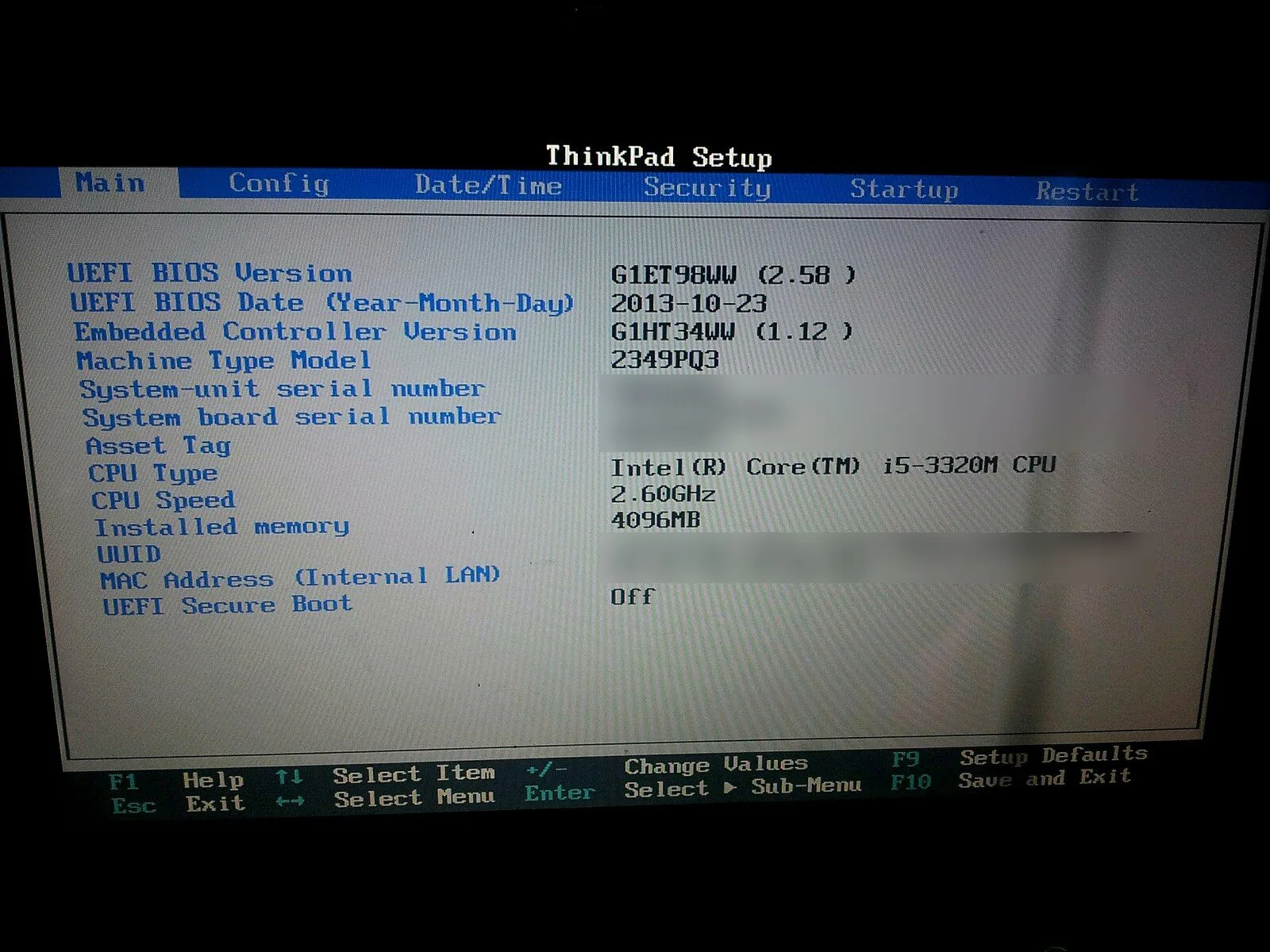
Press Win + R, type msinfo32 and press Enter. In System Summary, the line BIOS Version/Date shows the maker, the version and its date, and Secure Boot State shows whether Secure Boot is on. In PowerShell, the Win32_BIOS class gives the same: SMBIOSBIOSVersion is the version number to compare with the list on the maker’s download page.
Get-CimInstance -ClassName Win32_BIOS | Select-Object Manufacturer, SMBIOSBIOSVersion, ReleaseDate
FAQ
What does BIOS stand for?
Basic Input/Output System. Gary Kildall coined the term in 1975 for his CP/M operating system.
Can I enter BIOS without restarting?
No. The BIOS runs only before the operating system starts, so Windows has to restart into it, through Advanced startup or the shutdown command above.
Does a BIOS update delete my files?
No. It rewrites the chip on the motherboard, not the drives. It does reset the BIOS settings, and on a laptop with BitLocker you may need the recovery key if you did not suspend it.
What happens if a BIOS update fails?
The PC may not start. On a board with USB BIOS FlashBack, the Flash BIOS Button or Q-Flash Plus, write the BIOS again from a USB drive with that button, which works without booting. Otherwise the board or PC goes to the maker’s service.