In this material
What a skin is in Deadlock today
A skin here is a client-side mod. It replaces model and texture files on your computer, so only you see it: other players see the standard hero. The mod is a single .vpk file, usually inside a .zip, .7z or .rar archive. It never needs an .exe, .dll, .bat, .ps1 or .scr file. If a download contains one, do not run it.
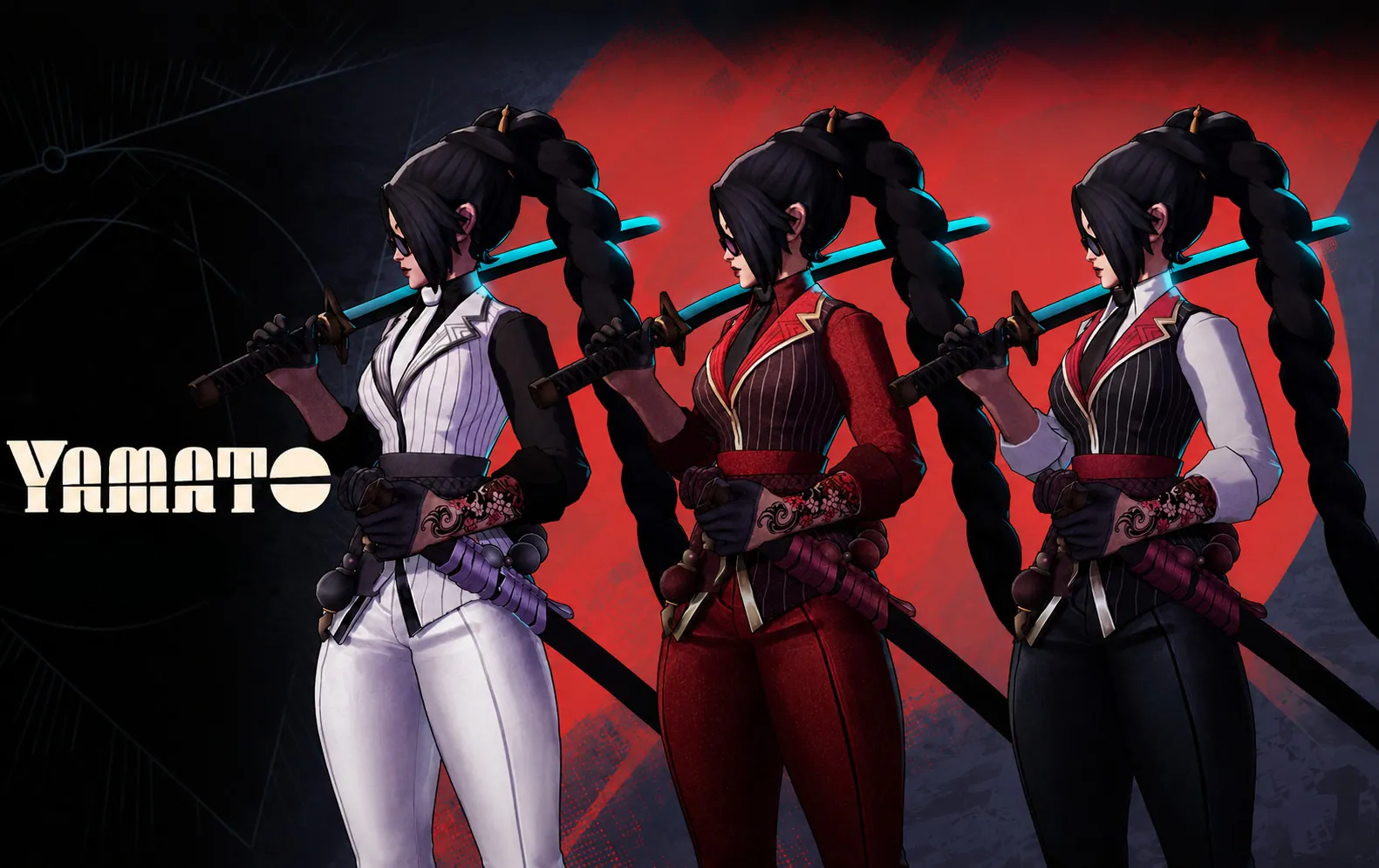
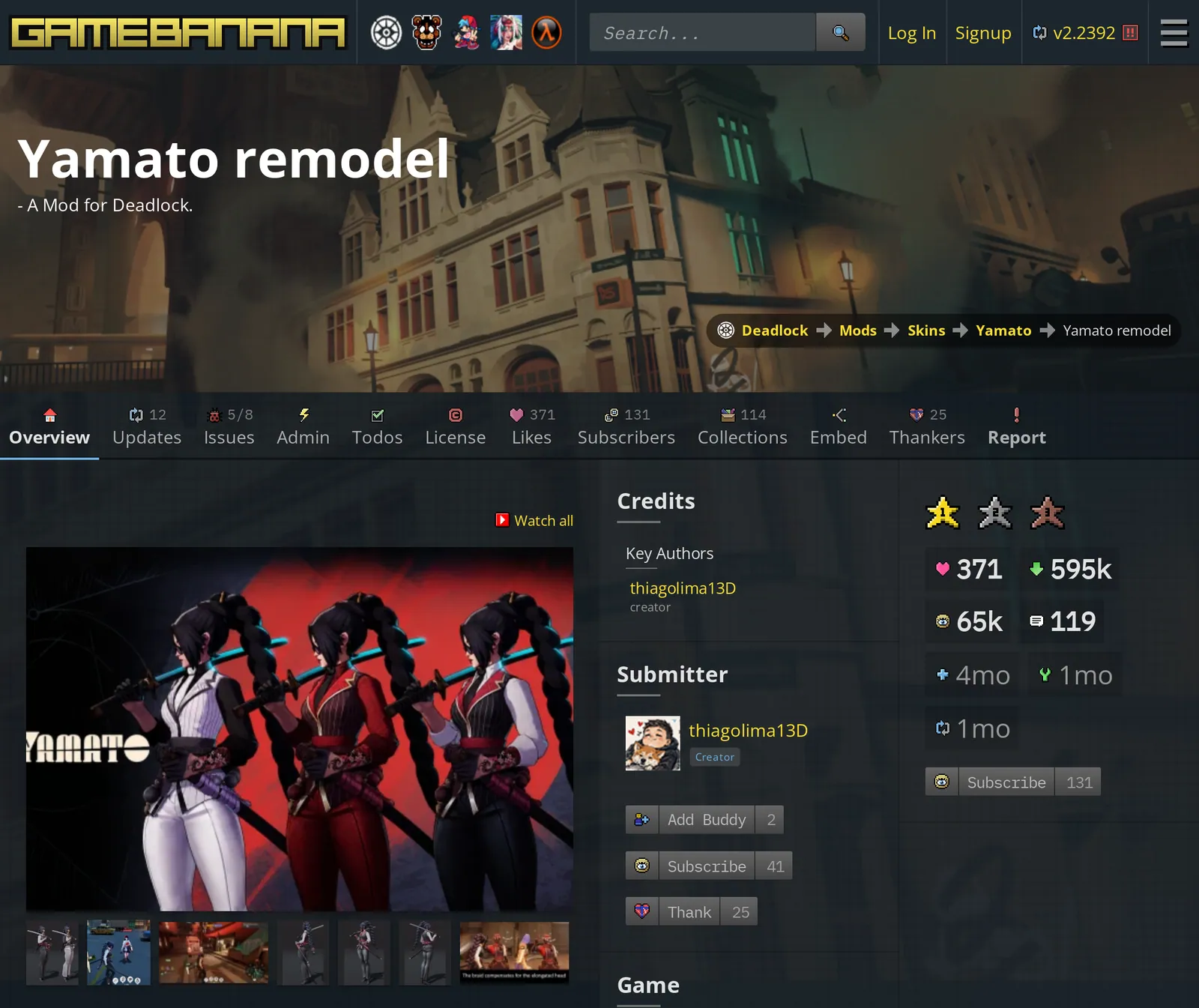
Skins are published in GameBanana’s Deadlock section: 4,223 skins in 44 subcategories, one per hero, on 16 November 2026. You can also choose a skin in the catalog of community skins.
Method 1: Deadlock Mod Manager
Deadlock Mod Manager is a desktop app for Windows and Linux under the GPL-3.0 license. The code is in the official repository on GitHub. Its README warns that Linux builds may have packaging and dependency problems.
The documentation names where to download it: the site deadlockmods.app, the releases page of the repository and package managers (winget on Windows; APT, .deb, .rpm, Flatpak, AUR and nixpkgs on Linux). It says the project does not run deadlockmodmanager.com, .org or .net. The repository itself lists deadlockmods.com as the project site.
GameBanana registers this app as the one-click installer for Deadlock.
- Install the managerRun the Windows setup file or install the package for your Linux distribution.
- Find a skinOpen its page on GameBanana in a browser. The app also has its own GameBanana browser.
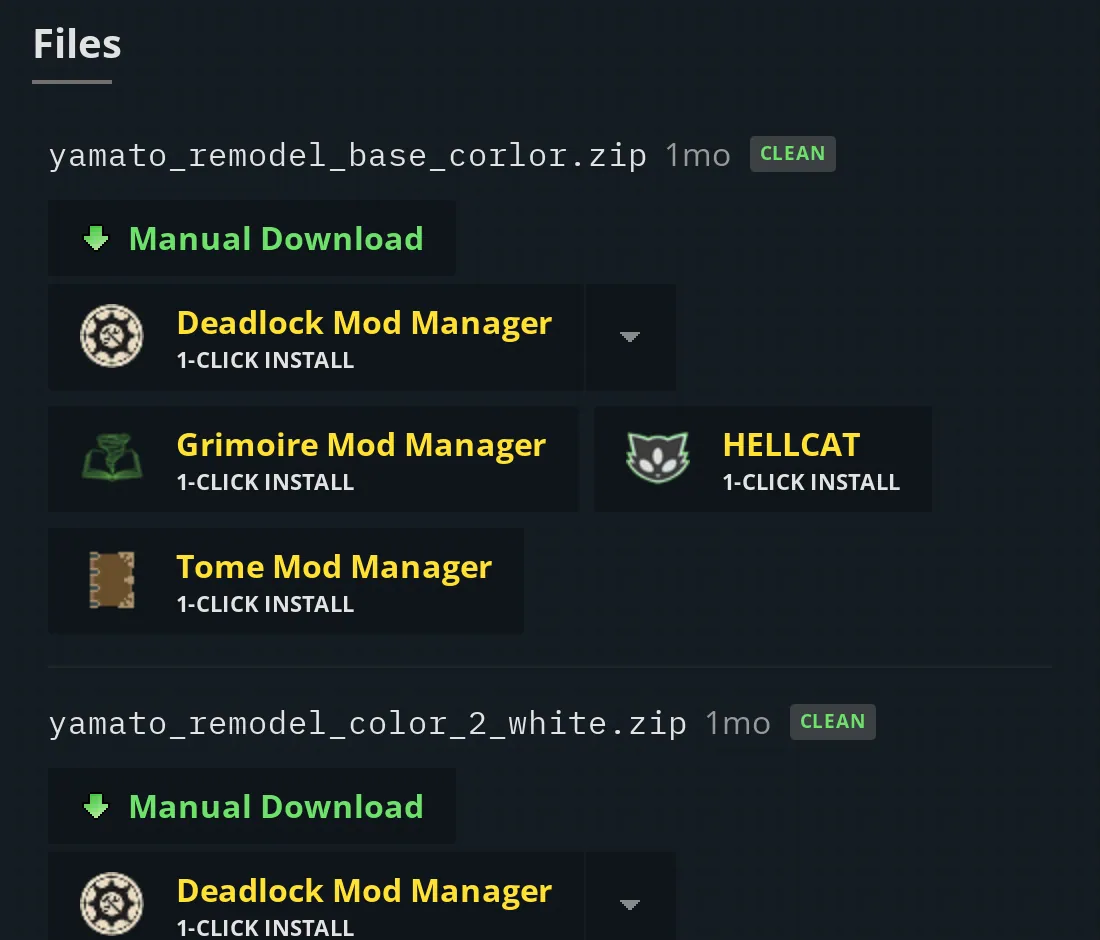
- Install itOn the site, press the 1-click button in the Files section of the mod page. The browser asks to open the manager, which downloads the file and enables the mod.
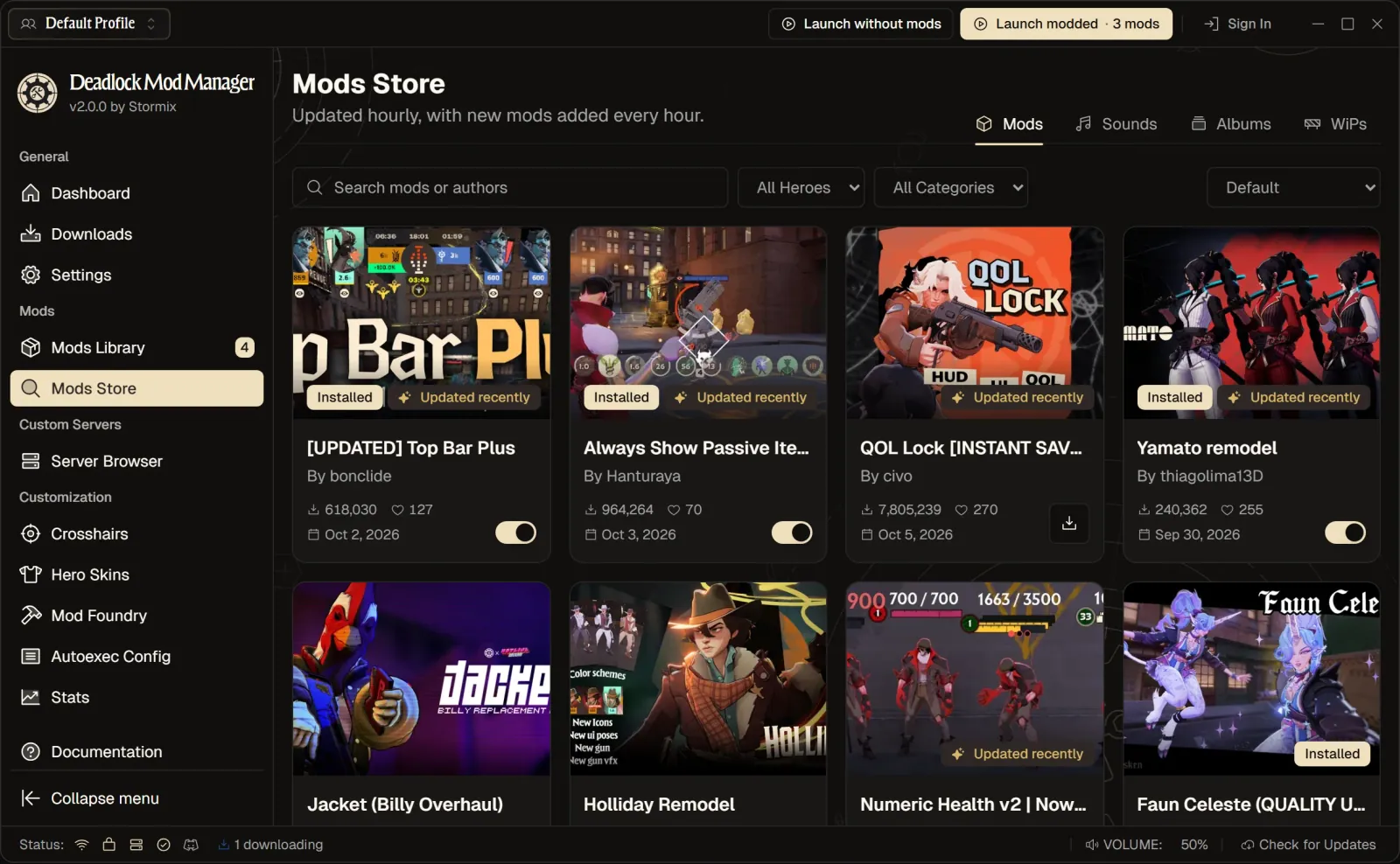
- Press Launch moddedThe manager writes its lines into gameinfo.gi on every launch. Launch without mods starts the plain game.
- Check the skinLook at the hero in the Hideout or the Sandbox before you queue.
Method 2: manual install
The game loads mods from an addons folder once that folder is added to the search paths in gameinfo.gi.
- Open the game folderIn Steam, right-click Deadlock, choose Manage, then Browse local files, and open game\citadel.
- Create the addons folderName it addons, in lowercase, next to gameinfo.gi.
- Copy the modUnpack the archive and put only the .vpk file into addons, not into a subfolder.
- Rename the fileThe name must be pakNN_dir.vpk with NN from 01 to 99, one number per mod: pak01_dir.vpk, pak02_dir.vpk. Other names are not loaded.
- Edit gameinfo.giMake a backup copy, clear the Read-only attribute if it is set, and add the addons folder to SearchPaths as shown below.
The default folder on Windows:
C:\Program Files (x86)\Steam\steamapps\common\Deadlock\game\citadelThe game’s own pak01_dir.vpk in game\citadel must stay untouched: mod files go only into addons. Community guides say that when two mods change the same asset, the lower number wins.
The gameinfo.gi edit
The stock SearchPaths block of the current build, taken from a public repository that tracks the game’s files (the file last changed on 20 October 2026):
SearchPaths
{
    Game_UILanguage     citadel_*LANGUAGE*
    Game_LowViolence    citadel_lv
    Game                citadel
    Game                core
}
The smallest edit that guides publish, one of them updated on 5 November 2026, is one new line above Game citadel:
Game citadel/addonsThe mod manager’s own guide gives two lines and says to add them directly above the Write citadel line:
Game    citadel/addons
Mod     citadel
Here the guides disagree, because the stock file has changed. It has no Write citadel line now, and it says Game_UILanguage where older guides say Game_Language. A comment in the file explains the extra lines: with no Mod key the first Game path becomes the mod path, and with no Write key it becomes the default write path. So some guides add explicit Mod citadel and Write citadel lines when citadel/addons goes first. The tutorial linked from GameBanana’s Deadlock front page also adds AddonRoot and OfficialAddonRoot lines and an AddonConfig block, which the stock file does not contain.
We did not test any of these variants in the game. The error “Failed to parse KeyValues” at start means a broken brace: restore the backup or verify the game files in Steam.
What breaks after a game update
Steam’s “Verify integrity of game files” restores the stock gameinfo.gi, and a game update can do the same. The addons folder stays, but nothing in it loads. Add the search path to the new file again, and do not paste a copy saved before the update over it: the file changes between builds. In the manager, Launch modded does this on every start.
A patch can also break a mod itself when it changes models or data. After Violet came out on 16 October 2026, three tools that repair broken mods appeared on GameBanana. After an update the manager checks installed mods and can repair some of them locally. The rest need a new version from the author.
If the game crashes, disable all mods and bring them back one by one. The game was updated at least six times between 29 September and 11 November 2026.
How to remove mods
- One mod: delete its
pakNN_dir.vpkfromaddonsor move it elsewhere. - All mods off, files kept: remove the
citadel/addonsline fromgameinfo.gior restore your backup. - Clean reset: in Steam open Properties, Installed Files, “Verify integrity of game files”. Files in
addonsstay on disk until you delete them. - In the manager: the switch next to a mod, uninstall in Mods Library, “Clear All Mods” in Settings, or Launch without mods.
Linux and Steam Deck
Valve lists Deadlock for Windows only, so on Linux and Steam Deck it runs through Proton. The game files are in the same steamapps/common/Deadlock/game/citadel folder of the Steam library. No Deadlock guide we read gives full Linux paths. These are the standard Steam library locations, not confirmed by a Deadlock source, in this order: native Steam, Flatpak Steam, Steam Deck internal storage, Steam Deck SD card.
~/.local/share/Steam/steamapps/common/Deadlock/game/citadel/
~/.var/app/com.valvesoftware.Steam/.local/share/Steam/steamapps/common/Deadlock/game/citadel/
/home/deck/.local/share/Steam/steamapps/common/Deadlock/game/citadel/
/run/media/deck/<card>/steamapps/common/Deadlock/game/citadel/
Check your library folders in Steam under Settings, Storage. Names are case-sensitive on Linux: addons, pakNN_dir.vpk. On a Steam Deck, do the file work in Desktop Mode.
The manager’s site says its Linux build runs on Steam Deck in Desktop Mode. The Flatpak build needs access to the Steam library:
flatpak override --user --filesystem="/absolute/path/to/SteamLibrary" dev.stormix.deadlock-mod-managerIs it allowed: what is established
Three things are established as of 16 November 2026.
- Deadlock announcements searched
- 40
- Mentions of mods in them
- 0
- gameinfo.gi sections checked before matchmaking
- 7
- VAC category in the store data
- none
Valve has made no statement. A search of all 40 Deadlock announcements on Steam from 22 August 2025 to 5 November 2026 finds no mention of mods, addons, VPK files or anti-cheat.
The game checks parts of gameinfo.gi before matchmaking. The English game text of the current build contains this message: “Unable to enter matchmaking while any party member is running Tools-mode, or has unsupported changes to the following sections of their ‘gameinfo.gi’: Engine2, MaterialSystem2, NetworkSystem, Particles, RenderSystem, SceneSystem, WorldRenderer”. SearchPaths belongs to the FileSystem section, which is not on that list.
The store page has no VAC label. Steam’s store data lists one category for Deadlock, “Multi-player”, and no “Valve Anti-Cheat enabled” category.
None of this is permission.